Introduction
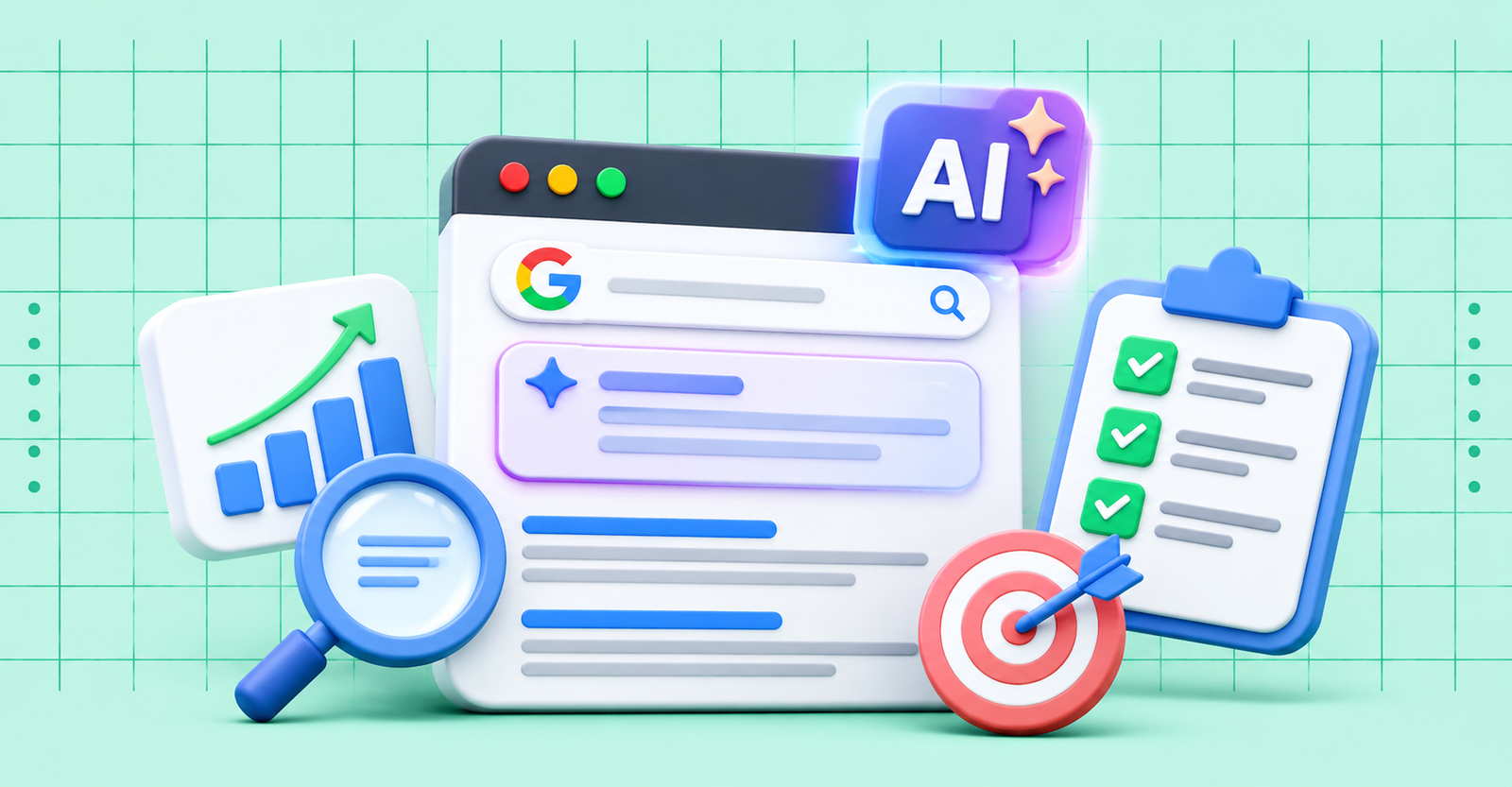
Search results look different from what they did a few years ago. Type a question into Google and you will often see a short, AI-written summary at the very top of the page, above the usual blue links. This is Google AI Overview, and it has changed how people find information and how website owners think about SEO.
If you run a website, you may be asking a few questions. Will fewer people click on my pages? Can my content appear inside these summaries? What should I change? The good news is that the basics of good SEO still matter. The best optimization strategies today build on those basics and add a few new habits: answering questions clearly, showing real expertise, and making your pages easy for both people and machines to understand.
This guide explains what Google AI Overview is, how it affects SEO, and which steps give your content the best chance of being seen. Everything is explained in plain language so you can start using it right away.
What Is Google AI Overview?
Google AI Overview is a feature in Google Search that shows a short summary written by AI at the top of the results for certain searches. The summary pulls together information from several web pages and presents it as a quick answer. Beside or below the summary, Google shows links to the pages it used, so people can click through to read more.
Earlier, Google showed “featured snippets,” which quoted one page. An AI Overview is different because it combines ideas from many sources and writes a new summary. It is often used for questions that need explanation, comparisons, step-by-step help, or planning, such as “how to start a blog,” “what is the difference between SEO and SEM,” or “how to prepare for a trip to Japan.”
Not every search shows an AI Overview. Simple searches, like looking for a brand’s website or checking a score, usually do not. Google decides when a summary will be useful, and that can change over time. You can read Google’s own explanation on its page about AI features and your website.
How Google AI Overviews Choose Their Sources
Google has said that AI Overviews rely on the same core systems as regular search. There is no special tag, file, or secret setting you must add to be included. A page generally needs to meet three conditions:
- It must be indexed by Google, which means Google has found it and stored it.
- It must be eligible to show a snippet in search results.
- It must be helpful, reliable, and relevant to the question.
In simple terms, if your page is good enough to rank well in normal search, it has a chance to be linked in an AI Overview. Pages that give clear answers, cover a topic in depth, and come from trustworthy sources are more likely to be used.
Google also tends to run several related searches behind the scenes to build one summary. This means a single AI Overview may use pages that answer small parts of a bigger question. A page that explains one part of a topic very well can be picked even if it is not ranked number one for the main keyword.
How Google AI Overview Affects SEO
Changes in Clicks and Traffic
The biggest worry for website owners is traffic. When a summary answers the question right on the results page, some people will not click any link. This is often called a “zero-click search.” Some studies have reported lower click rates on searches that show AI Overviews, while Google has said that links inside these summaries can get good attention from people who want more detail. Results differ by industry, topic, and type of search, so it is best to look at your own data rather than rely on a single number.
What does seem clear is that simple, factual questions are the most likely to lose clicks. Someone who only wants a definition may be satisfied by the summary. People who want advice, a product, a service, or a deeper explanation are still likely to visit a website.
Changes in Keyword Strategy
Many people now type longer, more natural questions, almost like talking to a person. This pushes SEO toward long-tail keywords and question-based phrases. Instead of only targeting “SEO tips,” it helps to also cover “what are the best SEO tips for a new small business website” and similar phrases.
Higher Value for Quality and Trust
Because AI summaries can be built from any page, Google leans on signals of quality and trust. Content that shows real experience, correct facts, and a clear author or brand behind it stands a better chance. Thin pages that repeat what everyone else says add little, and they are the easiest to replace with an AI-written summary.
Brand Visibility Matters More
Even when a person does not click, they may see your brand name in the list of sources. Over time, this builds familiarity. Being mentioned and linked in AI Overviews can work like a small form of brand exposure. This makes it worth caring about visibility, not only visits.
Different Kinds of Content Are Affected Differently
- Informational blog posts: These are the most exposed, especially posts that answer short, simple questions.
- Product and service pages: These are less affected, because people who are ready to buy still need to visit a site.
- Local businesses: Local searches rely heavily on maps and reviews, so a strong business profile matters a lot.
- Original research and tools: Unique data, calculators, and templates are hard to replace with a summary, so they keep attracting visits.
Best Optimization Strategies for Google AI Overviews
The best optimization strategies for this new type of search are not tricks. They are habits that make your content clearer, more useful, and easier to trust. Here are the steps to focus on.
1. Answer the Question Directly and Early
Start each section with a clear, short answer, then explain it in more detail. For example, if your heading is “How long does SEO take to work?”, the first one or two sentences under it should say something like “Most websites see early results in three to six months, but it depends on competition and website quality.” After that, add the details.
This style helps readers who are in a hurry, and it also makes it easy for Google to find a clean piece of text to use. Keep these answers short, simple, and free of fluff.
2. Match Search Intent
Every search has a reason behind it. Some people want to learn, some want to compare, and some want to buy. Before writing, search your target keyword and look at what kind of pages appear. If the top results are step-by-step guides, a short sales page will not do well. Match the format and depth people expect, and then try to make your version more complete or more practical.
3. Build Real Expertise and Trust
Google talks about E-E-A-T, which stands for experience, expertise, authoritativeness, and trustworthiness. You can show these in simple ways:
- Add an author name and a short bio that explains why this person knows the topic.
- Share real examples, results, screenshots, or lessons from your own work.
- Back up facts with links to trusted sources.
- Keep an “About” page and contact details easy to find.
- Update old posts when facts change.
Google’s guide on creating helpful, people-first content is worth reading and is a good checklist for any writer.
4. Cover Topics in Depth
AI summaries often pull from pages that cover the main question and the follow-up questions. When you write about a topic, think about what a reader will ask next. If you write about AI Overviews, readers may also wonder about traffic loss, tracking, and schema. Answer those in the same article or link to separate pages that do.
A helpful method is to use the “People also ask” box in Google, along with related searches at the bottom of the page, to find extra questions to answer.
5. Use a Clear Structure
A well-organized page is easier for people to read and for search systems to understand. Use:
- One H1 title that states the main topic.
- H2 headings for the main sections and H3 headings for smaller points.
- Short paragraphs of two to four sentences.
- Bullet points or numbered lists for steps and comparisons.
- Simple tables when you compare options.
Avoid long walls of text. If a section is hard to scan, readers will leave, and that is a poor signal for your page.
6. Add Structured Data Where It Fits
Structured data, also called schema markup, is code that tells search engines what your page contains, such as an article, a FAQ, a product, a review, or a business. It does not guarantee a spot in an AI Overview, but it helps Google understand your content correctly. Start with the types that match your pages, such as Article, Organization, LocalBusiness, Product, and FAQ where it makes sense. Google explains the basics in its introduction to structured data. After adding it, test your pages to make sure there are no errors.
7. Keep Your Technical SEO Healthy
A great article does nothing if Google cannot reach it. Check these basics:
- Make sure important pages are not blocked by robots.txt or “noindex” tags.
- Fix broken links and redirect chains.
- Submit an up-to-date XML sitemap.
- Make the site fast and easy to use on mobile. You can test speed with PageSpeed Insights.
- Use secure HTTPS across the whole site.
Also remember that if you use snippet-limiting settings, such as “nosnippet,” your content may not be shown in AI features. Only use those settings on pages where you truly want that limit.
8. Target Long-Tail and Conversational Keywords
People now ask full questions. Build pages around phrases that sound like real speech, such as “how can a small business get more leads from Google” or “is SEO worth it for a new website.” Use these phrases in headings and answer them in plain words. This also helps you win searches that have lower competition and more specific intent.
9. Build Topic Clusters and Strong Internal Links
Instead of writing one-off posts, build groups of related content. Create one main page on a broad topic and several supporting pages on smaller parts of it. Link them together with clear, natural anchor text. This shows Google that your site covers the subject well and helps visitors move from one useful page to another.
For example, a main guide on search optimization can link to supporting posts on keyword research, technical SEO, and link building. If you want hands-on help planning this, you can see how an experienced team works with Viral Groww, which supports businesses with practical SEO and digital marketing.
10. Add Original Value That a Summary Cannot Copy
An AI summary is good at combining common knowledge. It is not good at giving you your own experience. To stay useful, include things like:
- Original data, surveys, or case studies.
- Your own photos, screenshots, and examples.
- Free tools, calculators, or downloadable templates.
- Expert quotes and personal opinions based on real work.
When your page has something unique, people have a reason to click even after reading a summary.
11. Use Images, Video, and Other Media
Search is not only text. Add clear images with useful alt text, short videos, charts, and diagrams where they help explain a point. Name image files in a simple, descriptive way. A short how-to video on YouTube, with a matching written guide on your site, gives you two ways to be found.
12. Grow Your Brand Beyond Your Website
Google looks at the wider web to see who is trusted on a topic. Good reviews, mentions in news or industry sites, guest articles, podcast appearances, and active social profiles all help. Focus on earning real mentions rather than buying links, which can cause penalties. A steady brand presence makes your site feel more reliable to both people and search systems.
13. Take Care of Your Local Presence
If you serve customers in a city or region, keep your Google Business Profile complete and accurate. Add your address, hours, services, photos, and replies to reviews. Use the same name, address, and phone number on every listing. Local businesses that want expert support can look at a best SEO agency in Delhi to get a plan built around local search.
14. Keep Content Fresh
Facts change, especially in a fast-moving area like search. Review your top pages every few months. Fix old statistics, remove advice that no longer works, add new questions, and update the date when you make real changes. Fresh, accurate content is more likely to be trusted.
Common Mistakes to Avoid
Many site owners react to AI Overviews by making changes that hurt more than they help. Watch out for these:
- Writing only for AI: Content should be written for people first. Stuffing pages with odd phrases to “please” a machine usually makes them worse.
- Copying AI text without checking it: Publishing AI-written content with no editing, fact-checking, or personal input leads to thin and repetitive pages.
- Blocking Google from your content: Some owners block crawlers out of fear, then lose normal search traffic too.
- Ignoring product and service pages: Informational posts are important, but pages that drive sales and leads need just as much care.
- Chasing every new trend: Big shifts in strategy based on short-term changes can waste time. Stick to steady improvements.
- Forgetting to measure: Without data, you will not know which changes actually helped.
How to Track Your Results
Tracking AI Overview performance is not simple, because Google does not give a separate report for it. Still, you can learn a lot with the tools you already have.
Use Google Search Console to watch impressions, clicks, click-through rate, and average position for your main pages and queries. If impressions stay steady while clicks fall, an AI summary or another result feature may be taking attention for that query. Compare periods before and after changes.
Check Google Analytics for engagement: time on page, scroll depth, conversions, and returning visitors. Traffic that comes from AI-influenced searches may be smaller, but it can be more focused and more likely to convert.
Also run manual checks. Search your top keywords in a private window, note whether an AI Overview appears, and see which sites are linked. This tells you who you are competing with and what style of content is being chosen. Keep a simple spreadsheet to record these checks each month.
Finally, track brand searches. If more people search for your company name over time, your visibility is growing, even if some clicks are lost to summaries.
Quick Optimization Checklist
Use this list before you publish or update any page:
- The main question is answered clearly in the first lines of each section.
- The page matches what searchers actually want.
- An author name, bio, and trusted sources are included.
- Headings are clear, and paragraphs are short.
- Related questions are covered in the same page or linked pages.
- Structured data is added and tested.
- The page loads fast and works well on mobile.
- Internal links connect to related content.
- There is something original, such as data, examples, or visuals.
- The content has been checked for accuracy and updated recently.
How Viral Groww Can Help
Changes in search can feel confusing, especially when you are busy running a business. At Viral Groww, the focus is on simple, steady SEO work that fits how people search today. That includes content planning, technical checks, on-page improvements, and tracking that shows what is working. You can learn more about the team and its services at Viral Groww.
If your business is based in or serves the Delhi area and you want local, hands-on support, take a look at the best SEO agency in Delhi page to see how Viral Groww can build a plan around your goals.
Ready to get your content seen in the new search results? Reach out to Viral Groww today and ask for a free review of your website.
Frequently Asked Questions
Does Google AI Overview kill SEO?
No. AI Overviews change how some results look, but they still depend on web pages for their information. SEO is still how people find, trust, and choose websites. What is changing is the focus: clearer answers, stronger trust signals, and more original value.
Can I make my website appear in Google AI Overviews?
There is no switch or special code for it. Google says the same basic rules apply as for regular search. Your page must be indexed, be eligible for snippets, and be helpful and trustworthy. Following the best optimization strategies in this guide gives you the best chance.
Do I need to write differently for AI Overviews?
Write clearly and simply, answer questions directly, and organize content with good headings. That style works for readers and for search systems. You do not need to change your voice or use special wording.
Will I lose traffic because of AI Overviews?
It depends on your content. Pages that answer simple factual questions may see fewer clicks. Pages that offer deeper advice, tools, products, or services are less likely to be affected. Watch your own data in Search Console to see what is happening on your site.
Is structured data required?
It is not required, but it helps search engines understand your page. Use the types that fit your content and keep the markup accurate.
How often should I update my content?
Review your most important pages every three to six months. Update them sooner if facts, prices, or industry rules change.
Conclusion
Google AI Overview has changed how many people see search results, but it has not changed what makes a website worth visiting. Pages that are helpful, accurate, and easy to understand still have the best chance to rank, to be linked in summaries, and to earn clicks from people who want more.
To recap the main points: AI Overviews use the same core systems as regular search, so strong SEO basics matter. Simple, factual queries may lose some clicks, while deeper content, products, and services keep their value. The best optimization strategies include answering questions directly, matching search intent, showing real experience, using clear structure and schema, keeping technical SEO healthy, building topic clusters, adding original content, growing your brand, and updating pages often. Track your progress in Search Console and Analytics so you can make decisions based on facts.
Start small. Pick your five most important pages, improve their answers and structure, add trusted sources, and check the results after a month or two. If you would like expert help, the team at Viral Groww is ready to guide you.
Have questions or your own experience with Google AI Overviews? Share them in the comments, and contact Viral Groww to build an SEO plan that fits the way people search today.