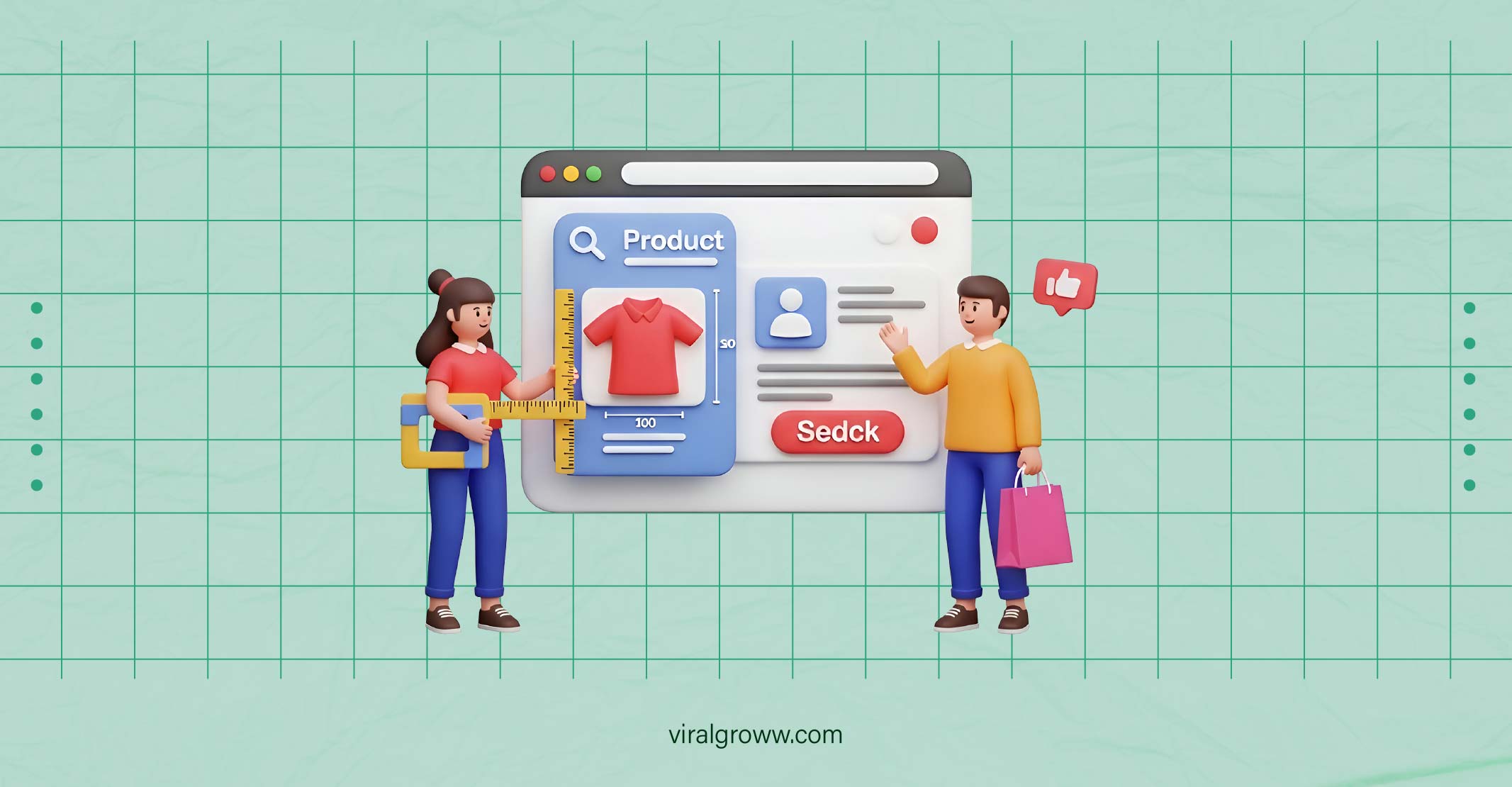
If you run an online store and want to increase sales, Facebook ads for ecommerce should be at the top of your marketing priority list. With over 2.9 billion active users, Facebook advertising offers incredible opportunities to reach customers who are ready to buy your products.
Why Facebook Ads Matter for Ecommerce
Facebook advertising has become essential for ecommerce businesses because it allows you to reach people based on their interests, behaviors, and shopping habits. Unlike traditional advertising, Facebook ads for ecommerce let you target customers who have already shown interest in products similar to yours.
The platform’s detailed targeting options mean you can show your products to people who are most likely to buy them. Facebook’s algorithm learns from user behavior and helps your ads reach people when they’re in a buying mindset.
Key benefits of Facebook ads for ecommerce:
- Precise audience targeting based on demographics and interests
- Cost-effective compared to traditional advertising methods
- Detailed analytics to track performance and ROI
- Multiple ad formats perfect for showcasing products
- Retargeting capabilities to reach previous website visitors
- Integration with ecommerce platforms for easy tracking
Setting Up Your Facebook Business Manager
Before you can start running Facebook advertising campaigns, you need to set up Facebook Business Manager. This free tool manages all your Facebook marketing activities in one place.
Go to business.facebook.com and create your business account. You’ll need to provide your business name, email address, and basic company information. Once your account is approved, you can add your Facebook page and create your first ad account.
Essential setup steps:
- Create your Business Manager account
- Add your Facebook business page
- Set up your ad account with billing information
- Add team members and assign roles
- Connect your website domain
- Install Facebook Pixel on your website
Make sure to verify your business by providing required documentation. This verification process helps Facebook confirm your business is legitimate and gives you access to advanced advertising features.
Understanding Facebook Ad Campaign Structure
Facebook advertising works on a three-level structure that every ecommerce business owner needs to understand. This hierarchy helps organize your campaigns and makes optimization much easier.
Campaign Level – This is where you choose your main objective, such as website traffic, conversions, or brand awareness. For ecommerce stores, conversion campaigns usually work best because they focus on driving sales.
Ad Set Level – Here you define your target audience, budget, schedule, and ad placements. You can create multiple ad sets within one campaign to test different audiences or budgets.
Ad Level – This is where you create the actual advertisements people will see. You choose images, write copy, and add call-to-action buttons at this level.
Understanding this structure helps you organize your Facebook ads for ecommerce more effectively. You can test different audiences in separate ad sets while keeping the same campaign objective.
Targeting the Right Audience for Your Ecommerce Store
Successful Facebook advertising depends heavily on reaching the right people with your ads. Facebook offers several targeting options that work particularly well for ecommerce businesses.
Demographics and Interests – Start by targeting people based on age, location, gender, and interests related to your products. If you sell fitness equipment, target people interested in workout routines, healthy living, and specific fitness brands.
Custom Audiences – These are incredibly powerful for ecommerce stores. Upload your customer email list to create a custom audience of people who have already bought from you. You can also create audiences based on website visitors or people who engaged with your social media content.
Lookalike Audiences – Facebook analyzes your best customers and finds similar people who might be interested in your products. Start with a 1% lookalike audience based on your customer list for the best results.
Behavioral Targeting – Target people based on their shopping behavior, such as online purchase activity, device usage, or travel patterns. This works especially well for ecommerce businesses selling travel accessories, tech products, or luxury items.
Creating High-Converting Ad Creatives
Your ad creative is what captures attention and convinces people to click on your Facebook ads for ecommerce. Great creative combines eye-catching visuals with compelling copy that speaks directly to your target audience.
Visual Elements – Use high-quality product images that show your items in use. Lifestyle photos often perform better than plain product shots because they help customers imagine using your products. Video content typically gets higher engagement rates, so consider creating short product demonstration videos.
Ad Copy Best Practices – Write headlines that clearly state the benefit of your product. Use social proof like customer reviews or sales numbers to build trust. Keep your copy conversational and focus on solving customer problems rather than just listing product features.
Call-to-Action Selection – Choose CTAs that match your campaign goals. “Shop Now” works well for driving immediate sales, while “Learn More” might be better for expensive products that require consideration.
Test different combinations of images, headlines, and descriptions to find what resonates with your audience. Facebook’s dynamic creative feature can automatically test different combinations for you.
Facebook Pixel Setup and Tracking
The Facebook Pixel is a piece of code that tracks visitor actions on your website. This data is crucial for optimizing your Facebook advertising campaigns and measuring their success.
Installing the pixel involves adding code to your website’s header section. Most ecommerce platforms like Shopify, WooCommerce, and BigCommerce offer easy pixel integration through their settings or apps.
Standard Events to Track:
- View Content (when someone views a product page)
- Add to Cart (when items are added to shopping cart)
- Initiate Checkout (when checkout process begins)
- Purchase (when orders are completed)
These events help Facebook understand which ads are driving valuable actions. The algorithm uses this data to find more people likely to take similar actions.
Set up conversion tracking to measure your return on ad spend (ROAS). This metric tells you how much revenue you generate for every dollar spent on Facebook ads for ecommerce.
Campaign Types That Work Best for Ecommerce
Different Facebook advertising campaign objectives serve different purposes for ecommerce businesses. Choosing the right objective depends on your goals and where customers are in their buying journey.
Conversion Campaigns – These focus on driving specific actions like purchases or email signups. Conversion campaigns work best when you have enough pixel data (at least 50 conversion events per week) for Facebook’s algorithm to optimize effectively.
Catalog Sales Campaigns – These automatically show relevant products to people based on their interests and behaviors. Connect your product catalog to Facebook and let the platform choose which products to show to each person.
Traffic Campaigns – Use these to drive visitors to your website, especially for new products or blog content. Traffic campaigns cost less than conversion campaigns but may bring less qualified visitors.
Retargeting Campaigns – Target people who visited your website but didn’t make a purchase. These campaigns typically have higher conversion rates because you’re reaching people already familiar with your brand.
Budget Planning and Bidding Strategies
Setting the right budget for your Facebook ads for ecommerce requires understanding your profit margins and customer lifetime value. Start with a daily budget that allows Facebook’s algorithm to gather enough data for optimization.
Budget Allocation – Begin with at least $20 per day per ad set to give Facebook enough room to find your target audience. If you’re testing multiple audiences, split your budget evenly among ad sets initially.
Bidding Strategies – For ecommerce stores, “Lowest Cost” bidding usually works best when starting out. This lets Facebook find the cheapest opportunities to achieve your objective. As you gather more data, you can switch to “Target Cost” bidding for more predictable results.
Cost Considerations – Track key metrics like cost per acquisition (CPA) and return on ad spend (ROAS). Your CPA should be significantly lower than your average order value to maintain profitability.
Monitor your campaigns daily during the first week to ensure you’re not overspending on audiences that aren’t converting. Adjust budgets based on performance data rather than guesswork.
Testing and Optimization Techniques
Continuous testing is essential for improving your Facebook advertising performance. Most ecommerce businesses need to test multiple elements to find winning combinations.
A/B Testing Strategies – Test one element at a time to get clear results. Start with audience testing by creating identical ad sets with different target audiences. Once you find winning audiences, test different creative variations.
Creative Testing – Rotate your ad creatives regularly to prevent ad fatigue. When people see the same ads too often, engagement rates drop and costs increase. Test different images, videos, headlines, and ad copy to keep performance strong.
Audience Testing – Compare different audience types like interests, behaviors, and lookalike audiences. Even small changes in targeting can significantly impact performance.
Performance Analysis – Check your campaigns at least daily during the first week, then adjust to weekly reviews once they’re stable. Look for trends in key metrics rather than reacting to single-day fluctuations.
Give tests at least 3-7 days to generate enough data for meaningful conclusions. Making changes too quickly can disrupt Facebook’s learning process and hurt performance.
Scaling Your Successful Campaigns
Once you find profitable Facebook ads for ecommerce, the next step is scaling them to increase sales volume. There are several ways to scale campaigns while maintaining profitability.
Vertical Scaling – Increase budgets on your best-performing ad sets. Raise budgets gradually (no more than 50% at a time) to avoid disrupting the algorithm. Monitor performance closely after budget increases.
Horizontal Scaling – Create new ad sets with similar audiences or targeting criteria. Duplicate your successful ads and test them with lookalike audiences of different percentages (1%, 2%, 3%).
Creative Scaling – Develop new ad creatives using the same messaging strategy that’s working. Create variations of successful ads with different images, videos, or copy angles.
Geographic Scaling – Expand successful campaigns to new geographic markets. Test similar English-speaking countries first if you’re based in the US, as audience behaviors may be similar.
Keep detailed records of what changes you make and their impact on performance. Scaling too aggressively can quickly turn profitable campaigns into money losers.
Common Mistakes to Avoid
Many ecommerce business owners make similar mistakes when starting with Facebook advertising. Learning from these common errors can save you time and money.
Targeting Too Broadly – Trying to reach everyone usually results in reaching no one effectively. Start with specific audiences and expand gradually based on performance data.
Ignoring Mobile Users – Over 90% of Facebook users access the platform on mobile devices. Ensure your website loads quickly on mobile and your checkout process is mobile-friendly.
Not Setting Up Proper Tracking – Without proper pixel setup and conversion tracking, you can’t measure campaign success or optimize effectively. Make sure tracking works before spending significant money on ads.
Making Changes Too Quickly – Facebook’s algorithm needs time to learn and optimize. Avoid making multiple changes to campaigns within 24-48 hours, as this resets the learning process.
Focusing Only on Cheap Clicks – Low-cost clicks don’t matter if they don’t convert to sales. Focus on metrics that directly impact revenue like ROAS and cost per acquisition.
Advanced Facebook Advertising Strategies
As you become more comfortable with Facebook ads for ecommerce, these advanced strategies can help improve your results further.
Dynamic Product Ads – Show personalized product recommendations based on items people viewed on your website. These ads automatically display relevant products from your catalog to each person.
Seasonal Campaign Planning – Plan campaigns around holidays and shopping seasons. Start building audiences and testing creatives well before major sales periods like Black Friday or Christmas.
Cross-Selling and Upselling – Create campaigns targeting existing customers with complementary products or upgraded versions of items they’ve purchased.
Email Integration – Combine Facebook advertising with email marketing by retargeting people who open emails but don’t purchase. This creates multiple touchpoints in your customer journey.
Video Marketing – Develop product demonstration videos and customer testimonial videos. Video content often gets higher engagement rates and can showcase products more effectively than static images.
At Viral Groww, we help ecommerce businesses develop comprehensive Facebook advertising strategies that drive real results. Our data-driven approach combines audience research, creative development, and continuous optimization to maximize your return on ad spend.
Ready to take action? Start by setting up your Facebook Business Manager account and installing the Facebook Pixel on your website. These foundational steps will prepare you for successful Facebook ads for ecommerce campaigns that grow your business.
Remember that Facebook advertising success doesn’t happen overnight. Focus on learning from your data, testing consistently, and improving your campaigns based on performance metrics. With patience and the right strategy, Facebook ads can become one of your most profitable marketing channels.