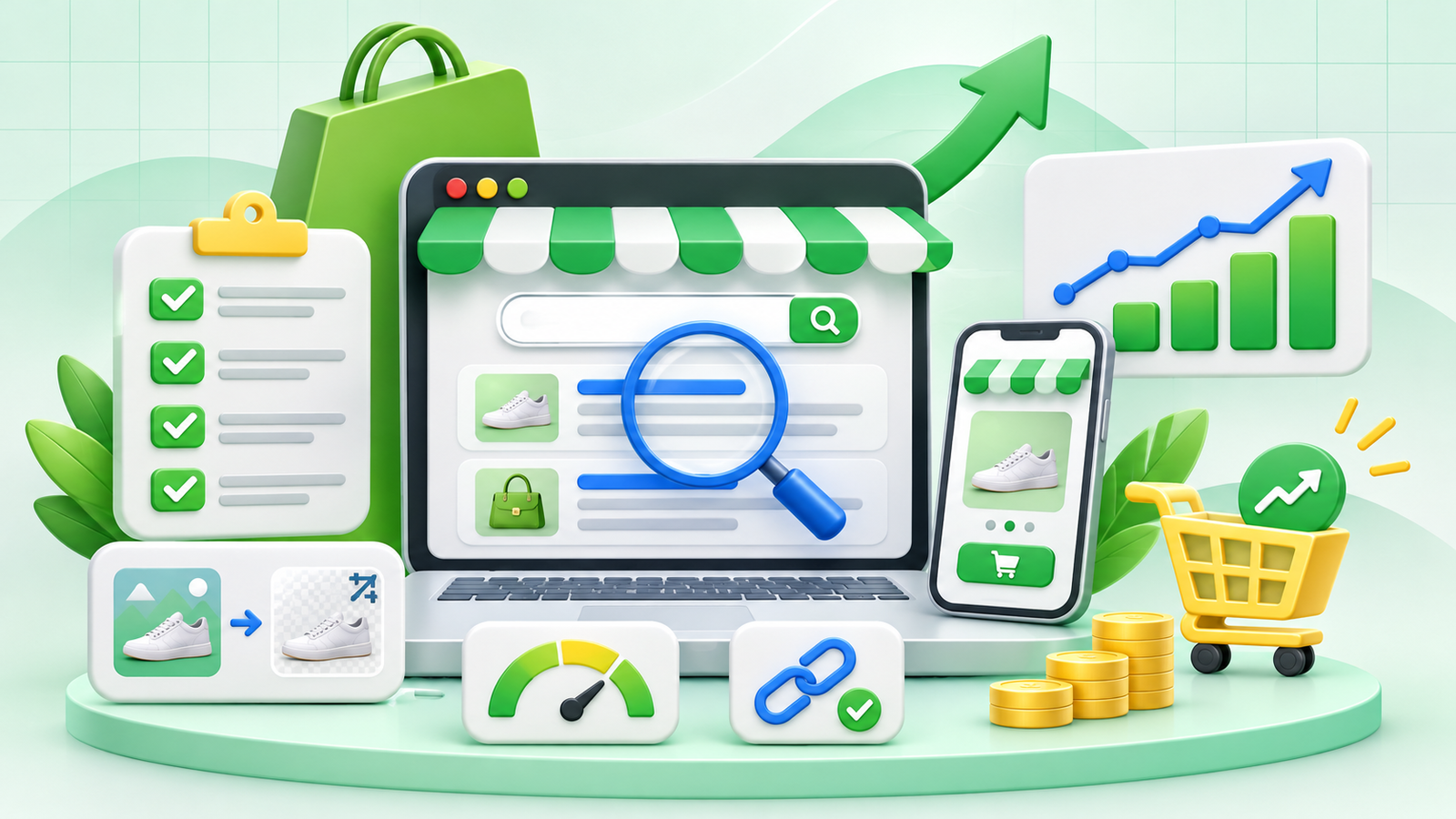
Running a Shopify store is not just about adding products and managing orders. To attract potential customers through search engines, your store needs a well-planned SEO strategy. Shopify provides several built-in SEO features, but improving organic visibility requires additional work, including keyword research, product page optimisation, technical SEO, and quality content.
A well-optimised Shopify store can help customers discover your products when they search for relevant information or shopping options online. Whether you are launching a new store or trying to improve an existing one, following a structured Shopify SEO checklist can help you build a stronger online presence, attract relevant visitors, and create more opportunities for sales.
In this guide, we will cover the essential Shopify SEO practices that can help improve your store’s search visibility and support long-term ecommerce growth.
1. Conduct Keyword Research for Your Shopify Store
Keyword research is the foundation of an effective Shopify SEO strategy. It helps you understand what potential customers search for when looking for products similar to yours.
Instead of choosing keywords randomly, focus on search terms that match your products, customer requirements, and purchasing intent.
Follow these keyword research practices:
- Identify primary keywords related to your products and collections.
- Research long-tail keywords with specific search intent.
- Analyse competitor websites to understand their keyword strategy.
- Include relevant product-related terms and variations.
- Group keywords according to product, collection, and informational pages.
For example, an online store selling skincare products can target keywords such as “organic face cream,” “ayurvedic skincare products,” and “natural moisturiser for dry skin.”
Assign relevant keywords to individual pages instead of targeting the same primary keyword across multiple pages. This helps search engines understand the purpose of each page.
2. Optimise Product Pages with Relevant Keywords
Product pages are among the most important pages on an ecommerce website because they provide customers with information about individual products.
A properly optimised product page can improve search visibility while helping visitors make informed purchasing decisions.
Product page SEO checklist:
- Write unique and descriptive product titles.
- Include the primary keyword naturally in the product description.
- Add relevant product specifications and features.
- Use clear, high-quality product images.
- Write descriptive image alt text.
- Include useful product information, such as size, material, benefits, and availability.
- Add relevant internal links to related products and collections.
Avoid copying descriptions directly from manufacturers. Original product descriptions provide more useful information and help differentiate your store from competitors.
3. Create SEO-Friendly Collection Pages
Shopify collection pages organise products into categories, making it easier for customers to explore your store. They can also target broader commercial keywords that individual product pages may not cover.
For example, a clothing store can create collections for men’s shirts, women’s dresses, casual wear, and seasonal collections.
To improve collection page SEO:
- Use descriptive collection names.
- Add relevant keywords to collection titles.
- Write unique collection descriptions.
- Include useful introductory content.
- Optimise collection images with descriptive alt text.
- Link to important collections through your main navigation.
- Ensure products are organised into relevant categories.
A well-structured collection page helps customers find products more easily and gives search engines a clearer understanding of your website’s content.
4. Optimise Meta Titles and Meta Descriptions
Meta titles and descriptions help communicate the content of your pages to search engine users. They can influence whether someone chooses to visit your Shopify store from search results.
Every important product, collection, blog, and website page should have a unique title and description.
Best practices for meta title optimisation:
- Include the primary keyword naturally.
- Keep the title relevant to the page content.
- Make each title unique.
- Avoid unnecessary keyword repetition.
- Write clear and attractive titles.
Best practices for meta descriptions:
- Summarise the page accurately.
- Include relevant keywords naturally.
- Highlight useful product or page information.
- Encourage users to explore the page.
- Avoid duplicate descriptions across multiple URLs.
For example:
Meta Title: Organic Face Cream for Healthy Skin | Your Brand
Meta Description: Explore organic face creams made for everyday skincare. Discover suitable options for your skin and find products that match your routine.
You can update these fields through the Search engine listing section available in Shopify.
5. Improve Your Shopify Website Structure and Navigation
A clear website structure improves the shopping experience and helps search engines discover important pages.
Ideally, your Shopify store should follow a logical hierarchy:
Homepage → Collection Pages → Product Pages
Keep your main navigation simple and organise products into relevant categories. Important collections and product pages should be accessible through internal links rather than being hidden deep within the website.
You should also create useful internal links between related pages. For example, a blog post about skincare routines can link to relevant skincare collections and products.
If you are planning to grow your online store, combining a strong organic SEO strategy with effective ecommerce advertising and marketing solutions can help support your wider customer acquisition goals.
6. Optimise Product Images for SEO
Product images play an important role in ecommerce because customers often rely on visuals when comparing products.
However, large or poorly optimised images can affect website loading performance. Image optimisation helps maintain a better balance between visual quality and website performance.
Image SEO checklist:
- Use clear and relevant product images.
- Compress images without significantly reducing quality.
- Choose descriptive image file names.
- Add meaningful alt text to important images.
- Use appropriate image dimensions.
- Avoid uploading unnecessary duplicate images.
- Check how images appear on mobile devices.
For example, instead of uploading an image named “IMG12345.jpg”, use a descriptive file name such as “organic-face-cream.jpg” when it accurately describes the image.
7. Improve Website Speed and Mobile Experience
Website speed and mobile usability are important parts of ecommerce SEO. Visitors may leave a store if product pages take too long to load or navigation becomes difficult on smaller screens.
Shopify themes provide a foundation for building responsive online stores, but installed apps, large images, custom scripts, and unnecessary design elements can affect performance.
To improve your store’s performance:
- Choose a lightweight and responsive Shopify theme.
- Compress large product images.
- Remove unused apps and unnecessary scripts.
- Avoid excessive animations and pop-ups.
- Test your website on different mobile devices.
- Check your Core Web Vitals using Google PageSpeed Insights.
- Make sure menus, product filters, and buttons work correctly.
A smooth mobile shopping experience can make it easier for customers to browse products, compare options, and complete their purchases.
8. Set Up Google Search Console and Submit Your Sitemap
Google Search Console is an important tool for monitoring your Shopify store’s organic search performance. It helps you understand how search engines discover and index your website.
Shopify automatically generates a sitemap, which generally contains links to important store content, including products, collections, pages, and blog posts.
Follow these steps:
- Open Google Search Console.
- Add and verify your Shopify website.
- Navigate to the Sitemaps section.
- Enter your sitemap URL: https://yourstore.com/sitemap.xml
- Submit the sitemap.
- Review the indexing report regularly.
- Investigate important pages that are not indexed.
Submitting a sitemap helps Google discover your website URLs, although it does not guarantee that every page will be indexed.
9. Fix Duplicate Content and Broken Links
Duplicate URLs and broken links can create problems for both visitors and search engines. Shopify automatically manages certain SEO elements, including canonical tags, but store owners should still review their website regularly.
For example, Shopify products can sometimes be accessible through different URL paths. Canonical tags help indicate the preferred version of a page to search engines.
Your checklist should include:
- Check important pages for correct canonical tags.
- Identify broken internal and external links.
- Fix unnecessary redirect chains.
- Create 301 redirects when changing or removing important URLs.
- Avoid publishing multiple pages with nearly identical content.
- Review indexing issues in Google Search Console.
Do not remove pages simply because they are not receiving traffic. First, understand their purpose and whether they have useful backlinks, rankings, or customer value.
10. Publish Helpful SEO-Friendly Blog Content
Blogging is an effective way to target informational searches and introduce potential customers to your products.
You can publish articles that answer common customer questions, explain product features, provide buying advice, and discuss topics related to your industry.
For example, a beauty store could publish articles about skincare routines, ingredient guides, product comparisons, and seasonal skincare tips.
Blog SEO checklist:
- Research relevant informational keywords.
- Create useful and original content.
- Use clear H1, H2, and H3 headings.
- Include relevant internal links.
- Optimise blog images and alt text.
- Write unique meta titles and descriptions.
- Update older articles when information changes.
Your blog content should provide genuine value rather than simply repeating keywords. Relevant articles can also guide readers towards suitable product and collection pages.
11. Build Quality Backlinks and Improve Brand Visibility
Backlinks are links from other websites that point to your Shopify store. Relevant, trustworthy backlinks can help search engines discover your content and understand your website’s authority.
However, backlink building should focus on quality and relevance rather than simply increasing the total number of links.
Consider these practices:
- Publish informative content that other websites may reference.
- Collaborate with relevant industry publications.
- Participate in genuine business and industry directories.
- Build relationships with relevant publishers and bloggers.
- Promote useful content through appropriate marketing channels.
- Monitor your backlink profile regularly.
Avoid buying large quantities of low-quality backlinks or using automated link-building schemes. Focus on earning relevant links that support your website’s credibility.
12. Track Shopify SEO Performance and Conversions
SEO improvements should be measured regularly to understand whether your efforts are producing meaningful results.
Google Search Console and Shopify Analytics can help you evaluate organic performance and customer activity.
Monitor these important metrics:
- Organic clicks and impressions.
- Search queries and keyword positions.
- Click-through rate (CTR).
- Indexed pages.
- Organic landing page traffic.
- Product page engagement.
- Add-to-cart activity.
- Organic sales and conversion rate.
Remember that higher traffic does not automatically mean higher sales. Analyse whether visitors are finding relevant products and completing meaningful actions on your store.
If you want to strengthen your overall ecommerce growth strategy, explore Viral Groww for digital marketing solutions that support online business visibility and customer acquisition.
How Can Shopify SEO and Ecommerce Advertising Work Together?
SEO and paid advertising serve different purposes, but they can complement each other as part of a broader ecommerce marketing strategy.
SEO focuses on improving organic visibility over time, while paid advertising can help businesses reach targeted audiences through sponsored campaigns.
For example, SEO can help a Shopify store attract visitors searching for specific products, while advertising campaigns can introduce products to relevant audiences and support promotional activities.
A balanced strategy may include:
- Optimising product and collection pages for organic searches.
- Publishing helpful blog content.
- Improving website navigation and user experience.
- Using advertising campaigns to promote selected products.
- Reviewing campaign and website performance.
- Analysing customer behaviour to improve marketing decisions.
Businesses looking to combine these activities can explore Viral Groww’s ecommerce advertising services in India to learn more about advertising support for online stores.
Frequently Asked Questions (FAQs)
1. Is Shopify good for SEO?
Yes. Shopify includes several built-in SEO features, such as automatic sitemap generation, canonical tags, and SSL support. Store owners can further improve SEO through keyword research, content optimisation, internal linking, and technical improvements.
2. How can I increase organic traffic to my Shopify store?
You can work towards increasing organic traffic by targeting relevant keywords, optimising product and collection pages, publishing helpful blog content, improving website speed, and building relevant backlinks.
3. Do Shopify product descriptions affect SEO?
Yes. Unique and informative product descriptions help search engines understand what a product offers. They also provide customers with useful details when comparing products and making purchasing decisions.
4. Does Shopify automatically create a sitemap?
Yes. Shopify automatically generates a sitemap for your online store. You can find it by adding /sitemap.xml to your store’s domain and submit it through Google Search Console.
5. How long does Shopify SEO take to show results?
SEO timelines vary depending on website condition, competition, content quality, and the changes implemented. Some improvements may be noticed earlier, while building consistent organic visibility generally requires ongoing work.
6. Can SEO and paid advertising work together for Shopify stores?
Yes. SEO helps attract organic search visitors, while paid advertising can help promote products to selected audiences. Using both strategically can support a broader ecommerce marketing approach.
Conclusion
Improving Shopify SEO requires more than adding keywords to product titles or publishing a few blog posts. It involves building a well-structured online store, creating useful product and collection pages, maintaining technical SEO, and consistently monitoring search performance.
By following this Shopify SEO checklist, businesses can identify optimisation opportunities, improve their website’s organic visibility, and make it easier for potential customers to discover relevant products. Regular keyword research, image optimisation, internal linking, quality content, and performance tracking can all contribute to a stronger ecommerce presence.
However, sustainable ecommerce growth also depends on understanding customer behaviour and creating a marketing strategy that supports both visibility and conversions. Combining consistent SEO improvements with suitable promotional activities can help businesses reach relevant audiences and develop their online stores over time.
At Viral Groww, we understand the importance of a well-planned digital marketing strategy for ecommerce businesses. Explore our ecommerce advertising services in India to learn how advertising can complement your online growth efforts, or visit Viral Groww to discover our digital marketing solutions.